Area
QuickPoint
QuickPoint is a fast area measuremente tool that automatically detects a bounded space based on the position of your cursor. It can be used to measure regular shaped areas with a single click. This allows you to quickly create area dimensions without manually tracing the perimeter of a space.
As you move your mouse over the drawing, QuickPoint projects guides lines outward in four directions - up, left, down, and right. These guide lines identify where they intersect with drawing geometry and determine the boundary of the area that can be meaasured.
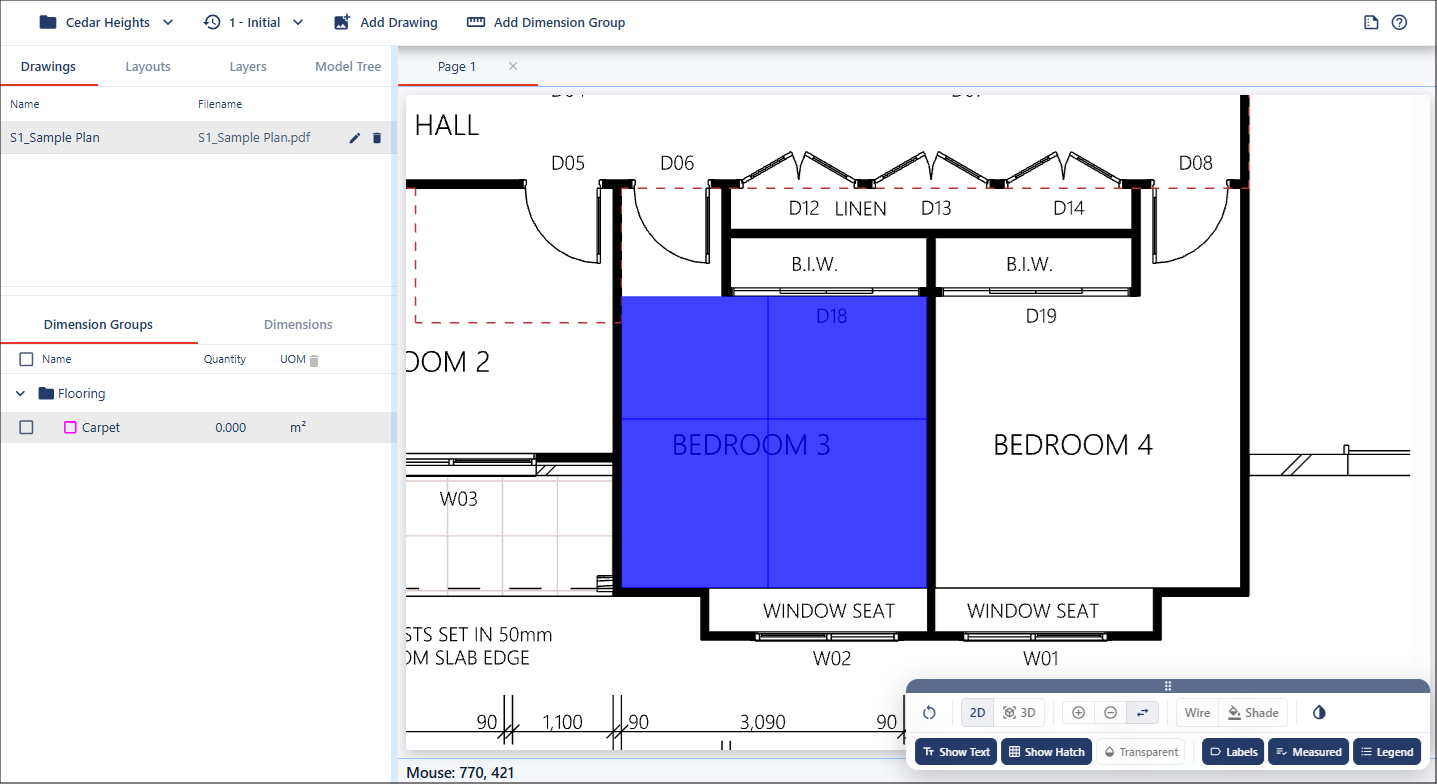
When the guide lines are positioned correctly, hold Shift and left-click to create the measurement.
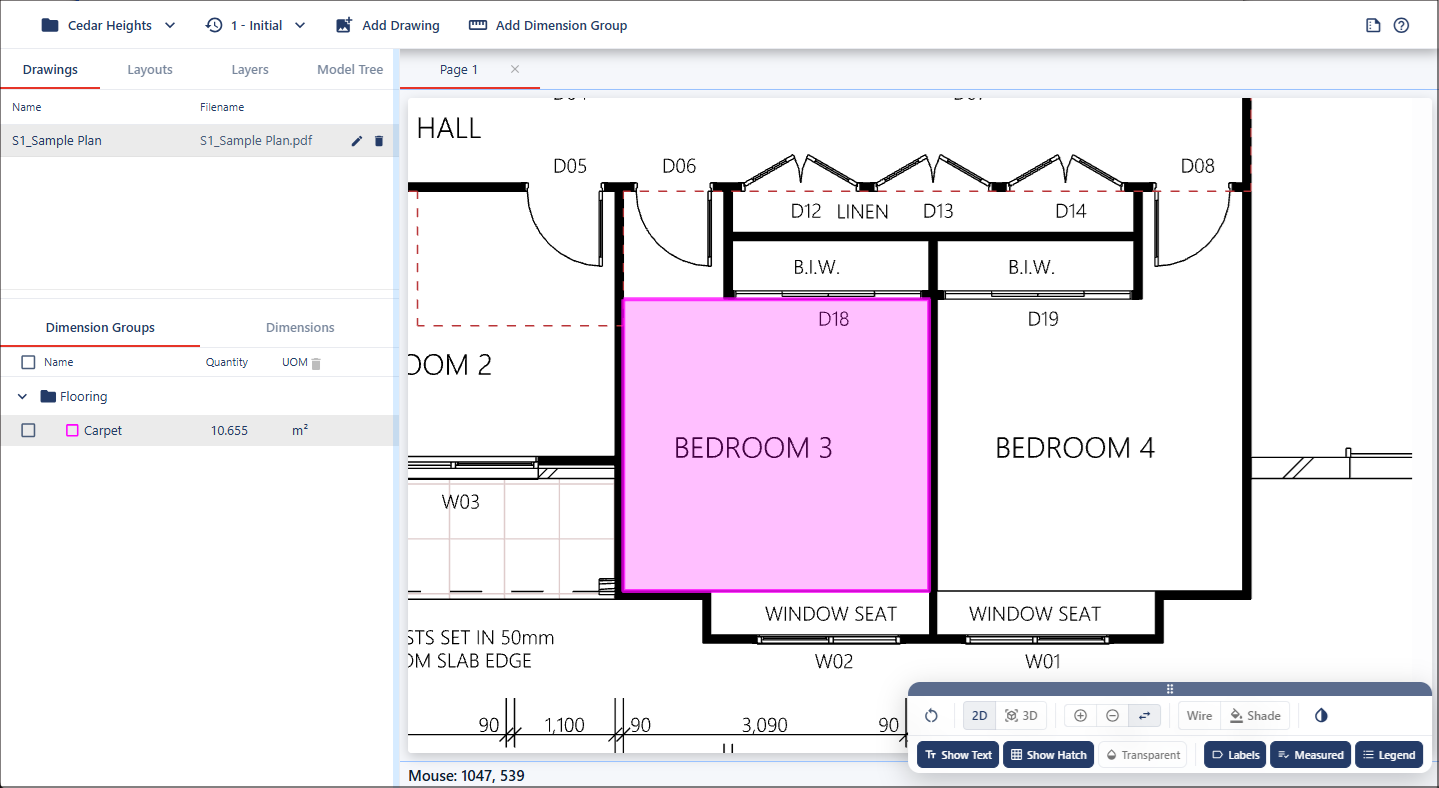
Handling Obstacles
In cases where an object such as a door or opening lies within the detection area, you should position the four guide lines so they reference the surrounding wall boundaries only, excluding the obstruction. This ensures the resulting area is calculated from the true room boundaries rather than including gaps or openings.
Joining Existing Areas
To join adjoining areas into a single combined area using QuickPoint, measure the first area by QuickPoint, then move the mouse cursor into the new adjacent area. Hold down the Shift key to preview the new area.
Additionally hold down the Alt key (Windows) or the Option key (Mac),