Managing Drawings
Drawings in DimensionIQ
Drawings in DimensionIQ are digital plan files that represent the visual scope of a project. They are used as the foundation for measurement, quantity takeoff, and analysis, allowing to accurately interpret and quantify project requirements.
Add Drawings
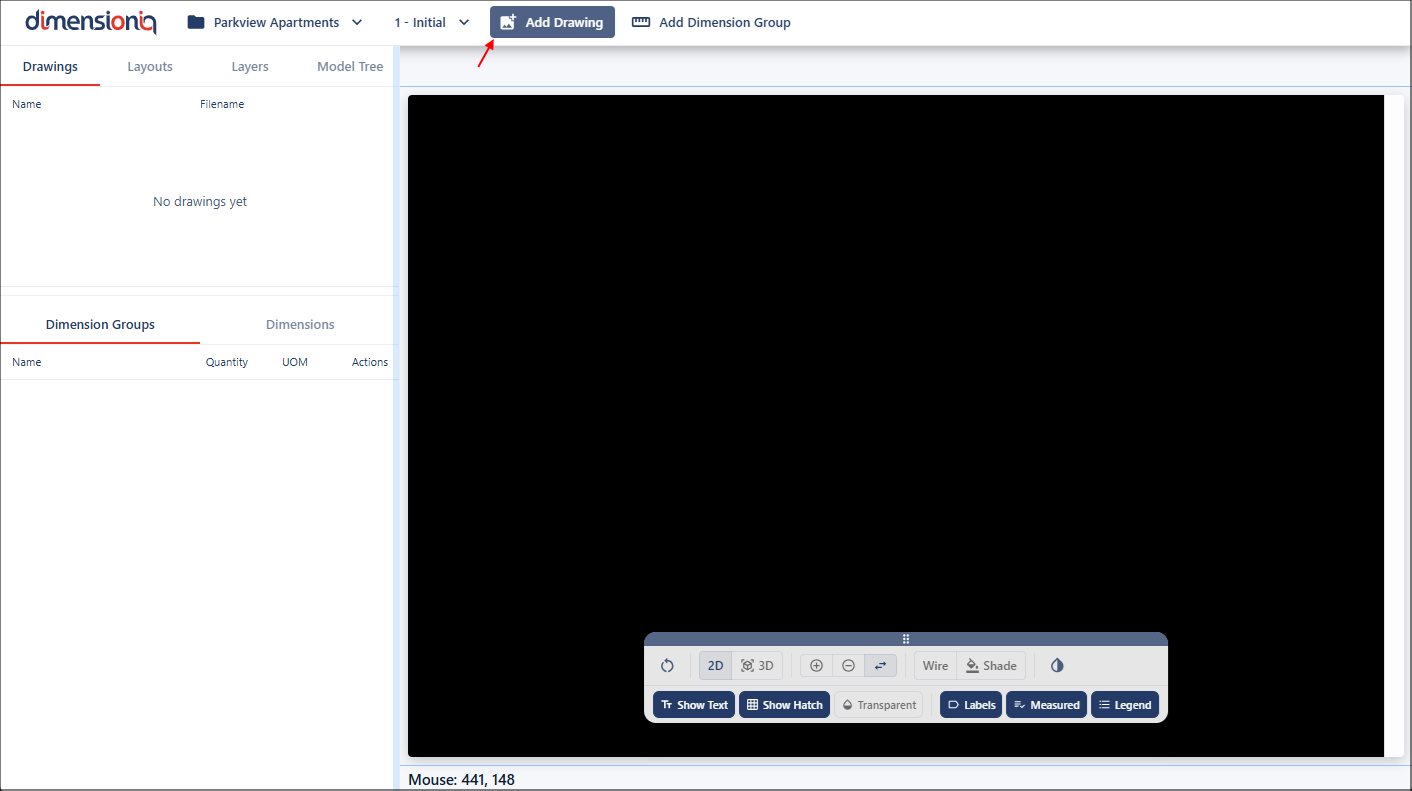
Once a project has been set up, drawings can be added. To add a drawing, click the Add Drawing button in the top toolbar to open the Drawings Properties dialog.
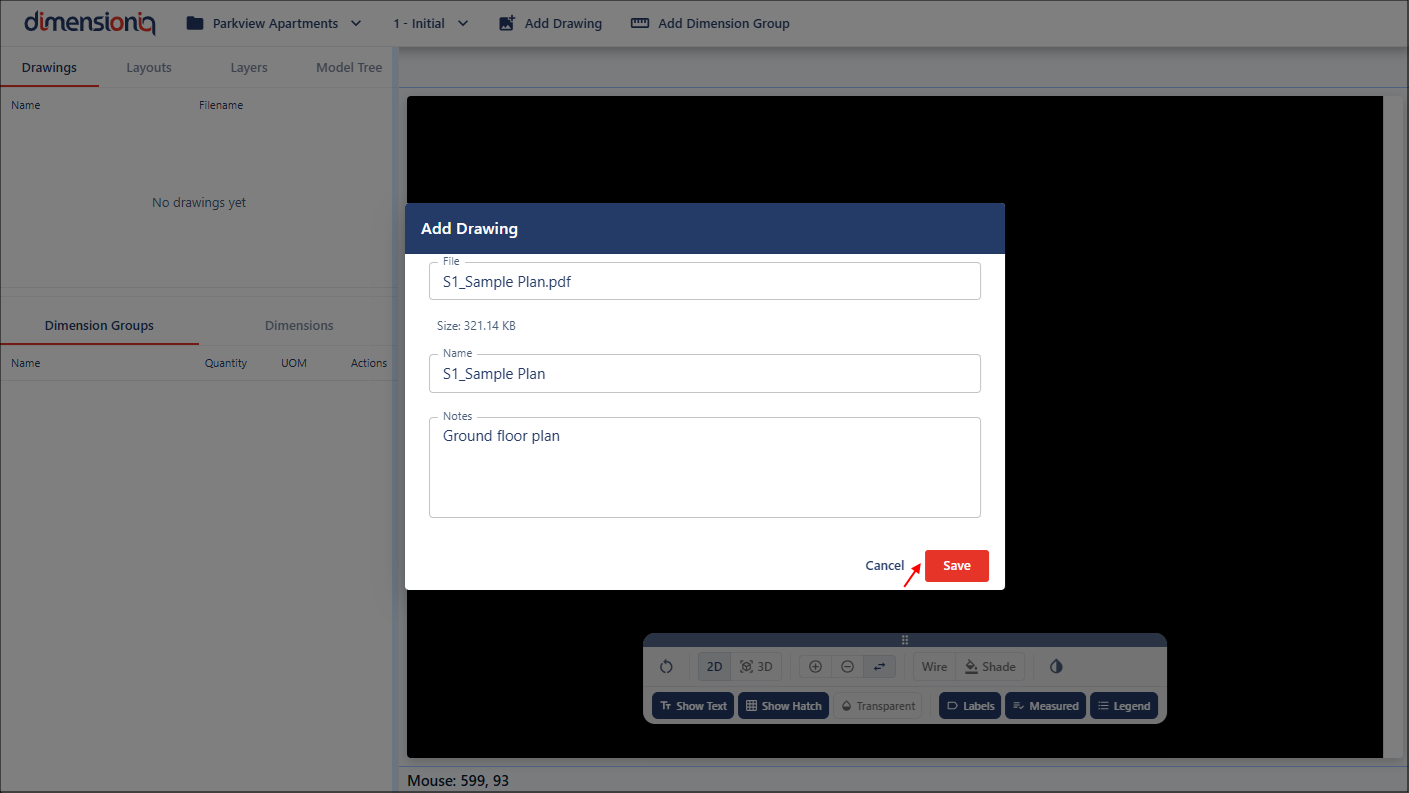
Click in the File field and select your drawing file from your computer or network. You can change your drawing name or leave the settings as is, and optional notes about your drawing file can be added.
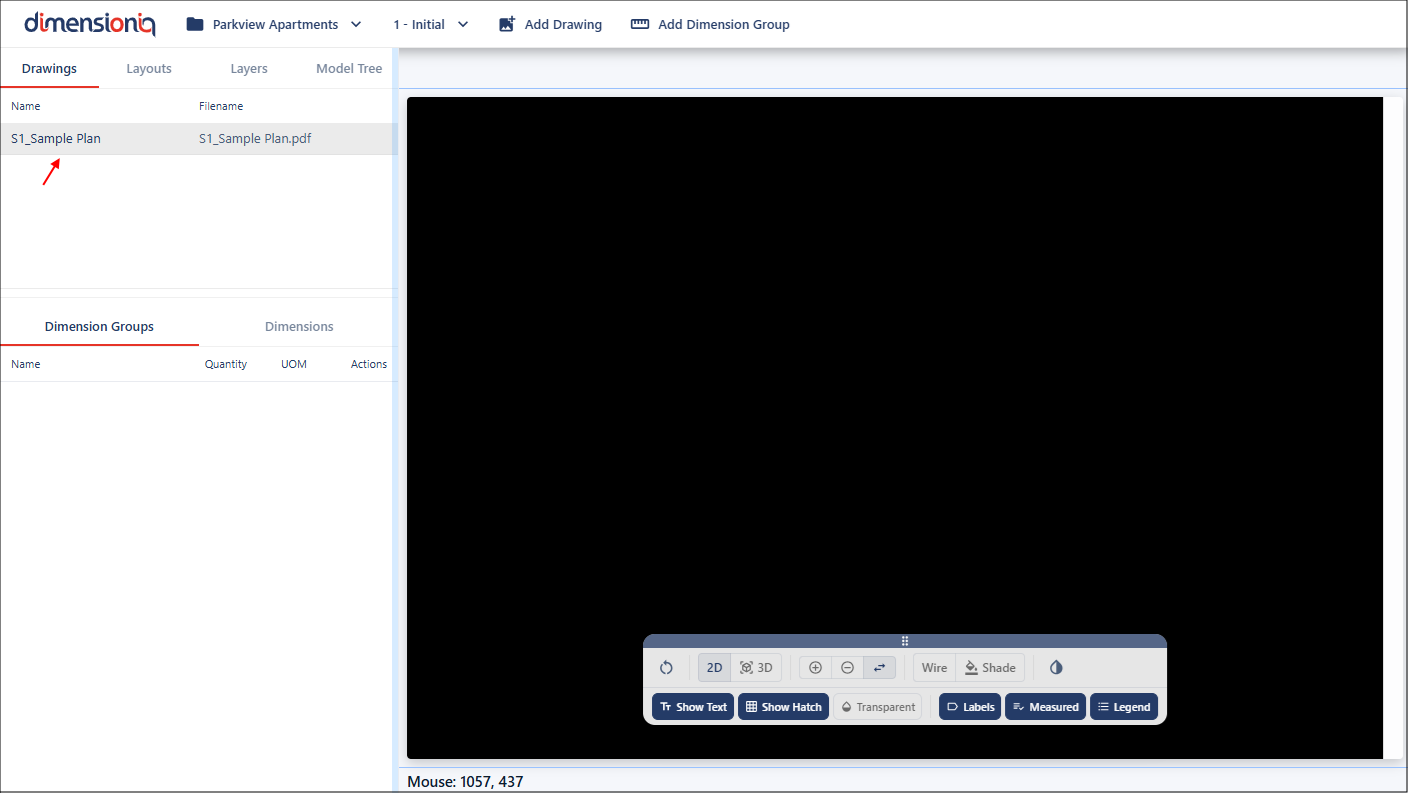
Once you have saved the drawing, the drawing will be available in the left-hand-side menu.
View or Edit the Drawing Properties
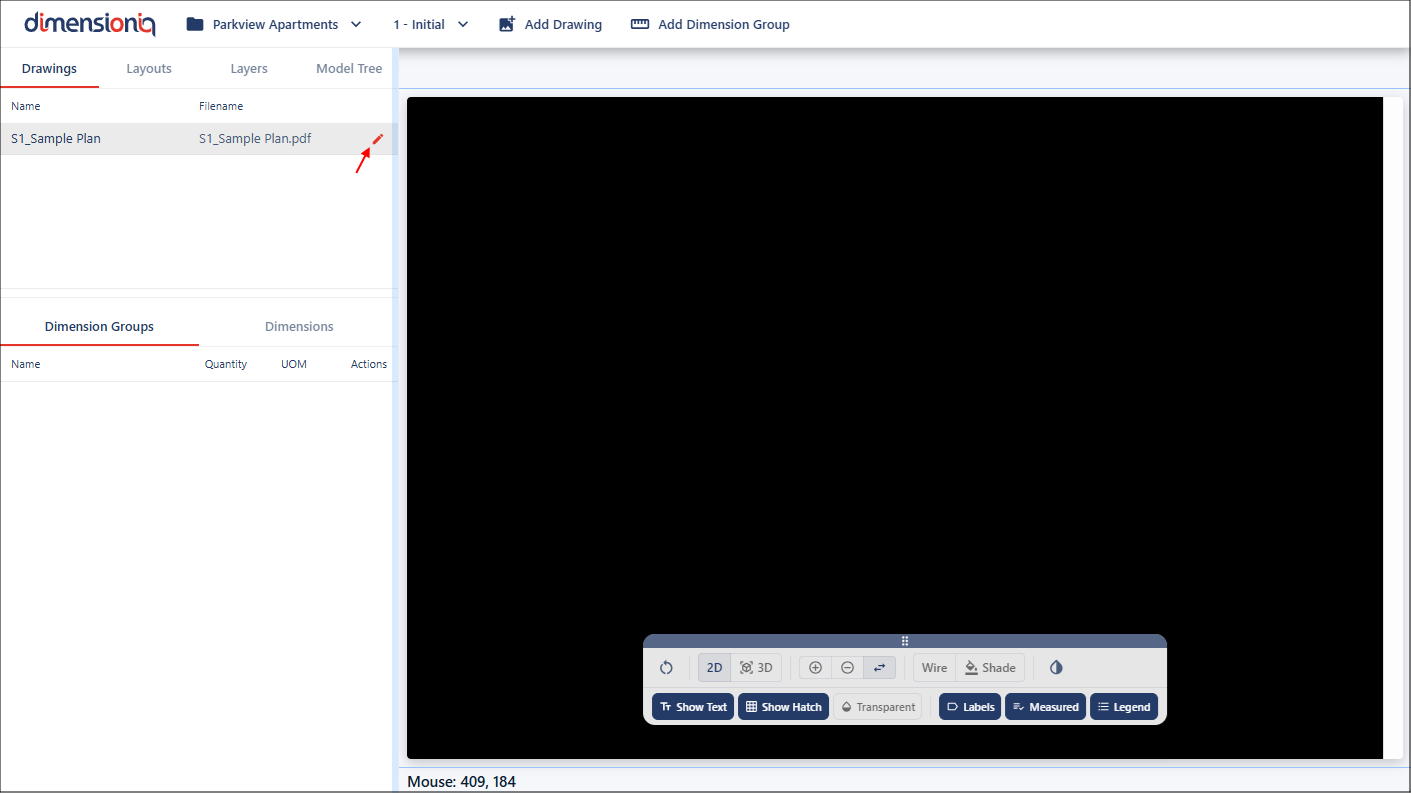
Each drawing file is displayed in a row with an Edit Drawing button at the end. Clicking this button will open the Drawing Properties dialog where the properties can be viewed and edited.