Snap Cursor
Measuring with the Snap Cursor
The Snap Cursor in DimensionIQ is a visual tool that helps you align measurement points precisely with existing geometry. It enhances accuracy and speed when creating dimensions, ensuring that points automatically snap to key features such as endpoints, midpoints, intersections, and other relevant anchors.
Key Points
- Activates automatically when your cursor hovers over geometric features
- Provides a visual preview of where the measurement point will snap
- Works seamlessly with single-point and multi-segment measurements
The Snap Cursor can be used for Count, Length, Area, and Volume as long as there is geometry in the drawing. Thorough documentation on how the Snap Cursor works with each measurement type can be found in the Measurement Types chapter.
Using the Snap Cursor
For this example, Length will be used as the measurement type to give you an overview on how the Snap Cursor snaps to an element in a drawing.
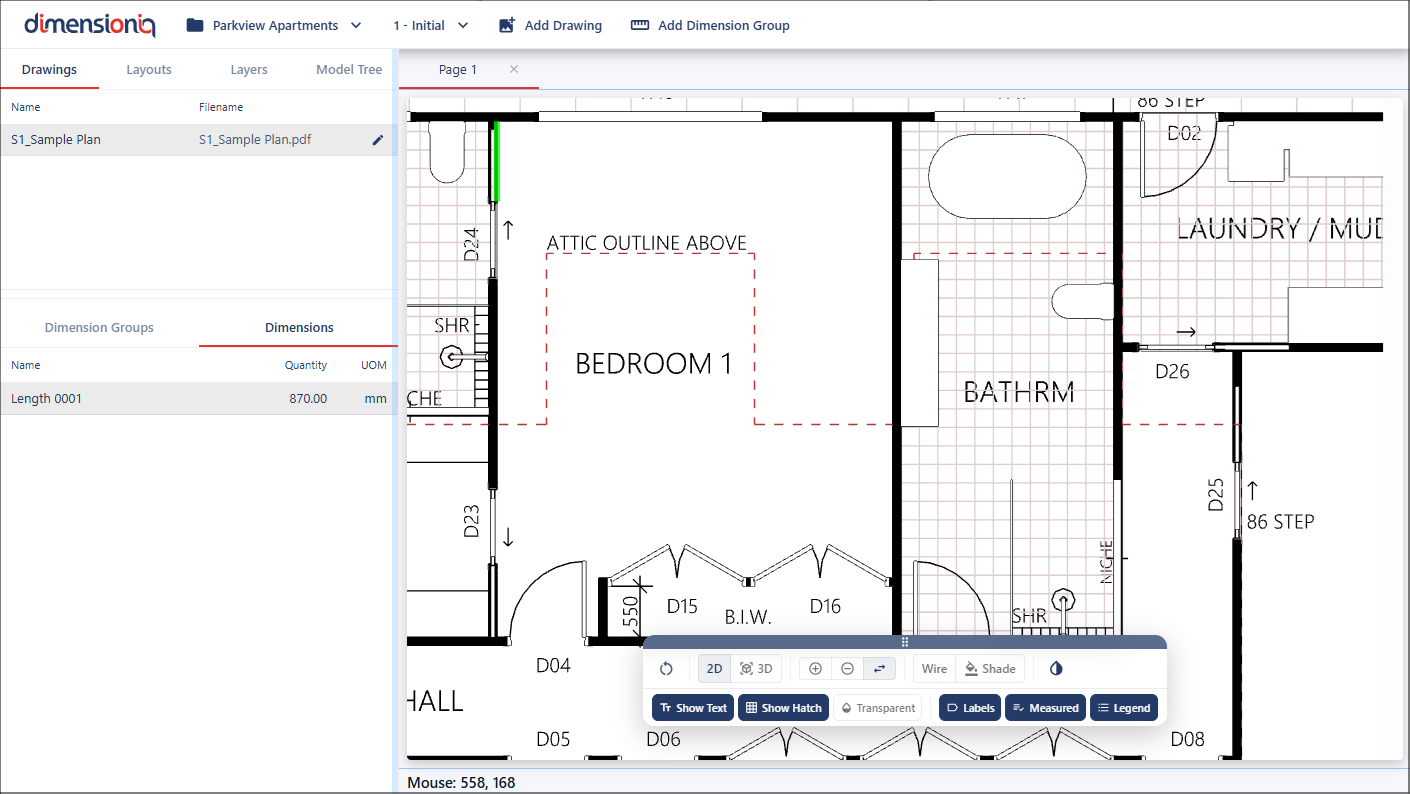
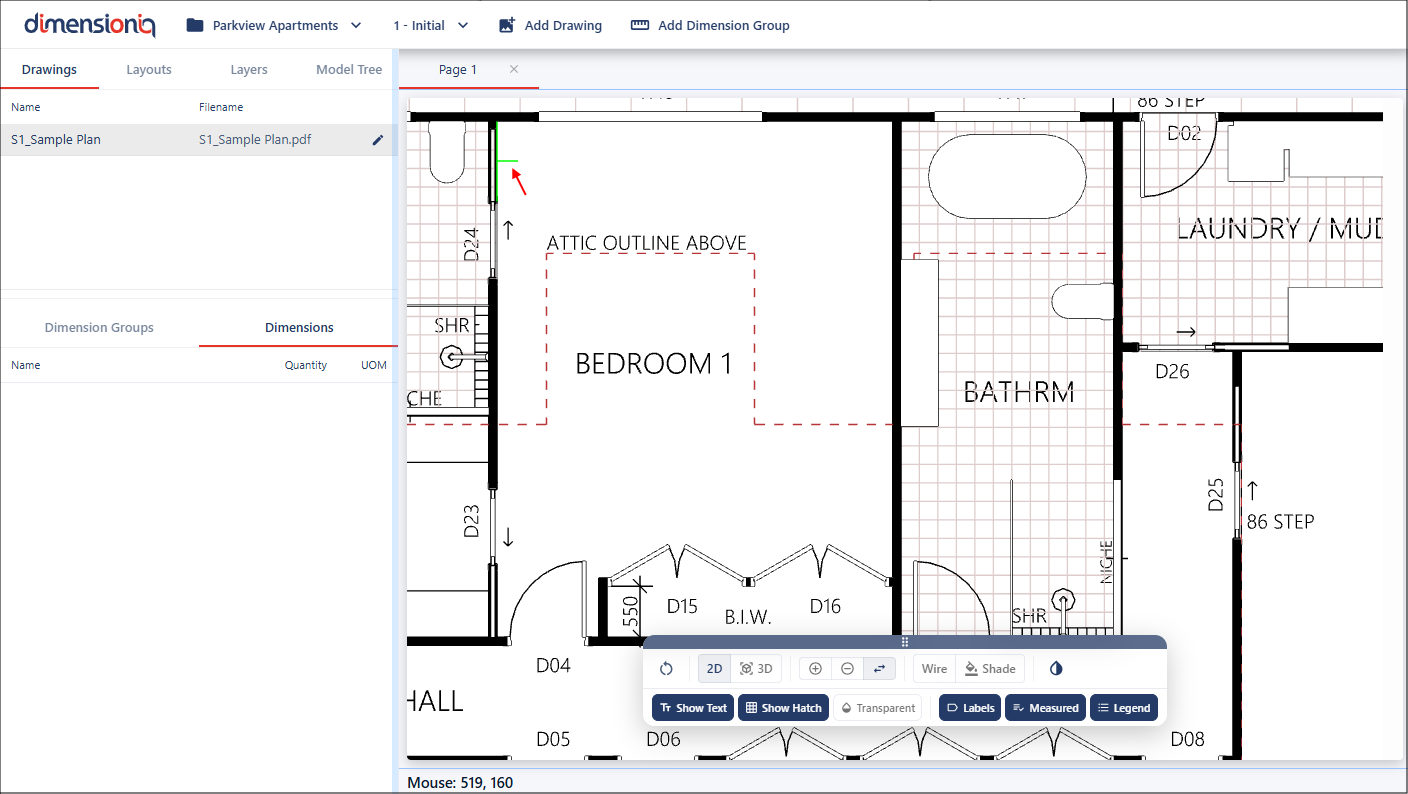
Hover over the element you wish to measure and you will notice the cursor snap to the drawing's geometric measurement. The temporary line displays the potential measurement placement.
Click to set the measurement point exactly where the Snap Cursor is aligned. In the side-menu you will see the dimension.