Managing Layouts
Layouts in DimensionIQ
Layouts represent the individual sheets or pages within the drawing file. To access layouts, you first need to select a drawing file. Once selected, you can navigate to the Layouts tab.
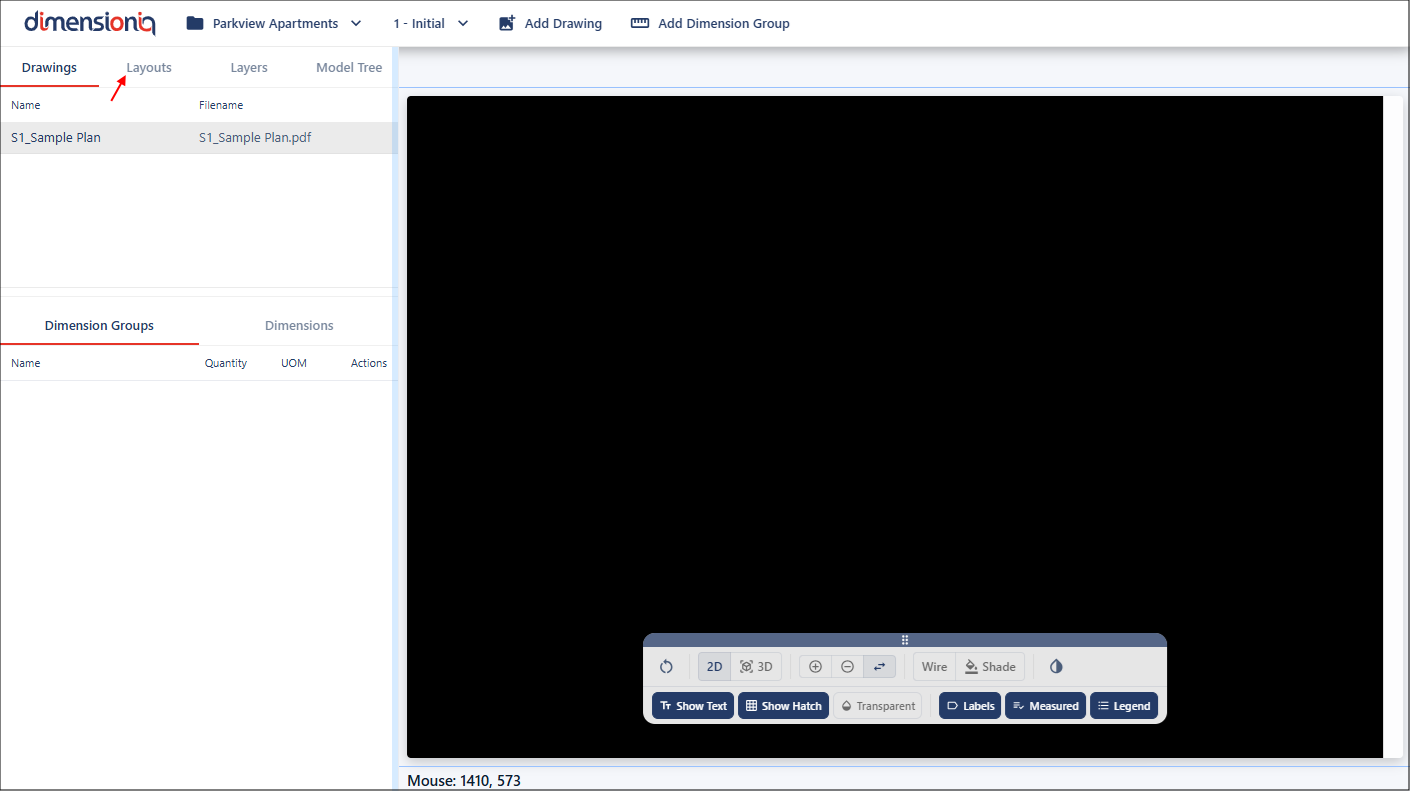
Figure 1 - Layouts tab
This is where all available layouts for that drawing are listed. When a layout is selected from the menu, it opens in a new tab within the viewport.
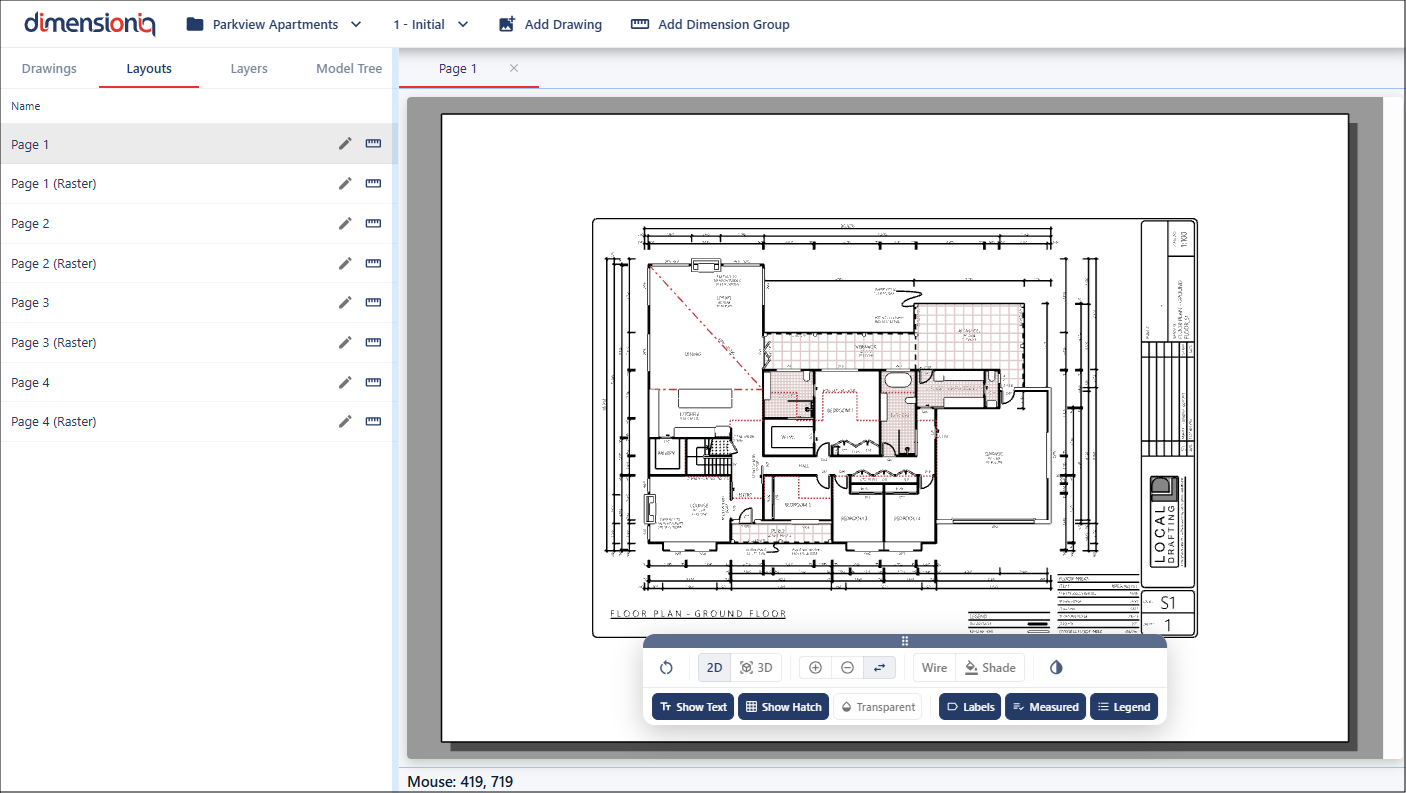
Figure 2 - Open a layout
You can open multiple layouts at the same time, with each one displayed in its own tab. This allows you to quickly move between layouts, compare content, and work more efficiently across different parts of the drawing.
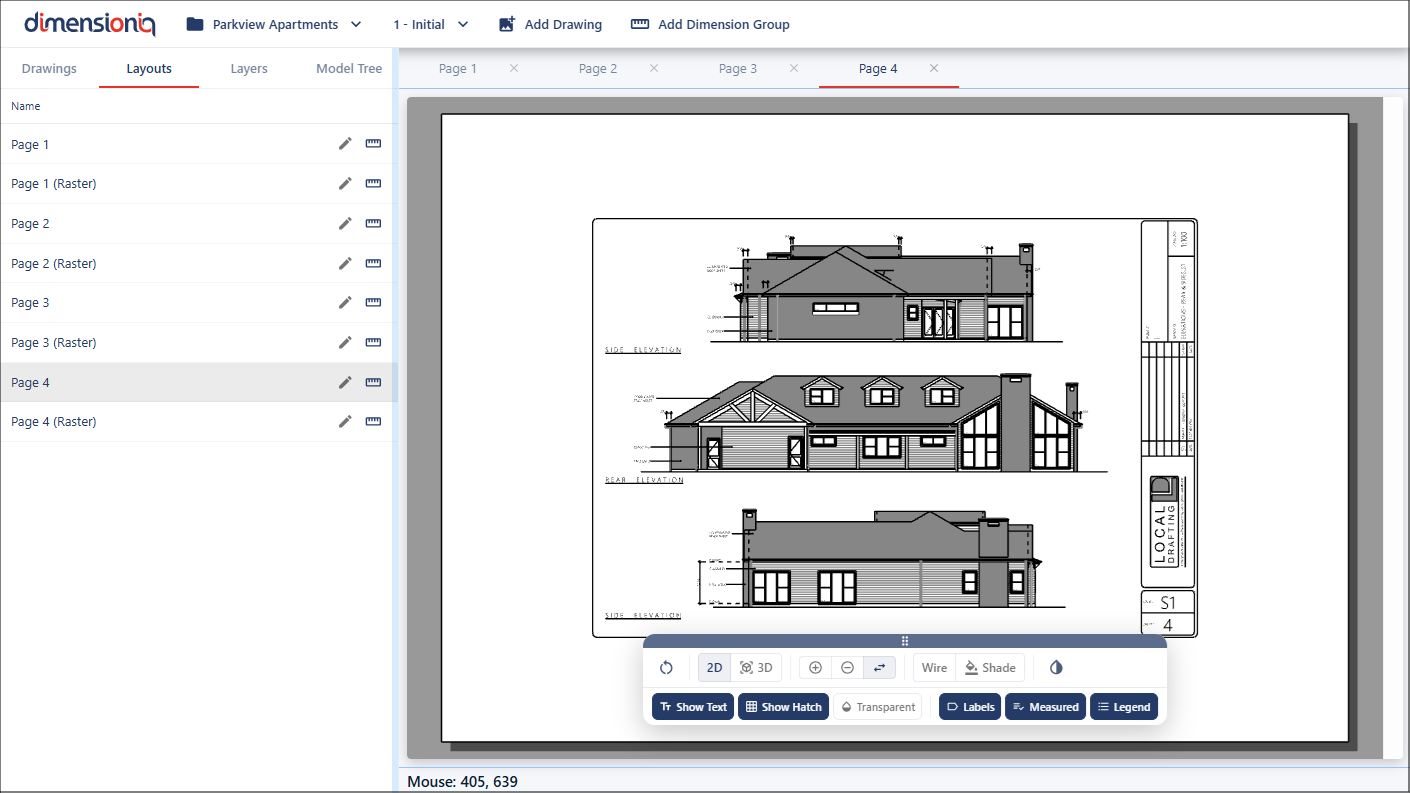
Figure 3 - Open multiple layouts
Remove a Layout
To remove a layout from the viewport, click the Cancel button on it's tab.
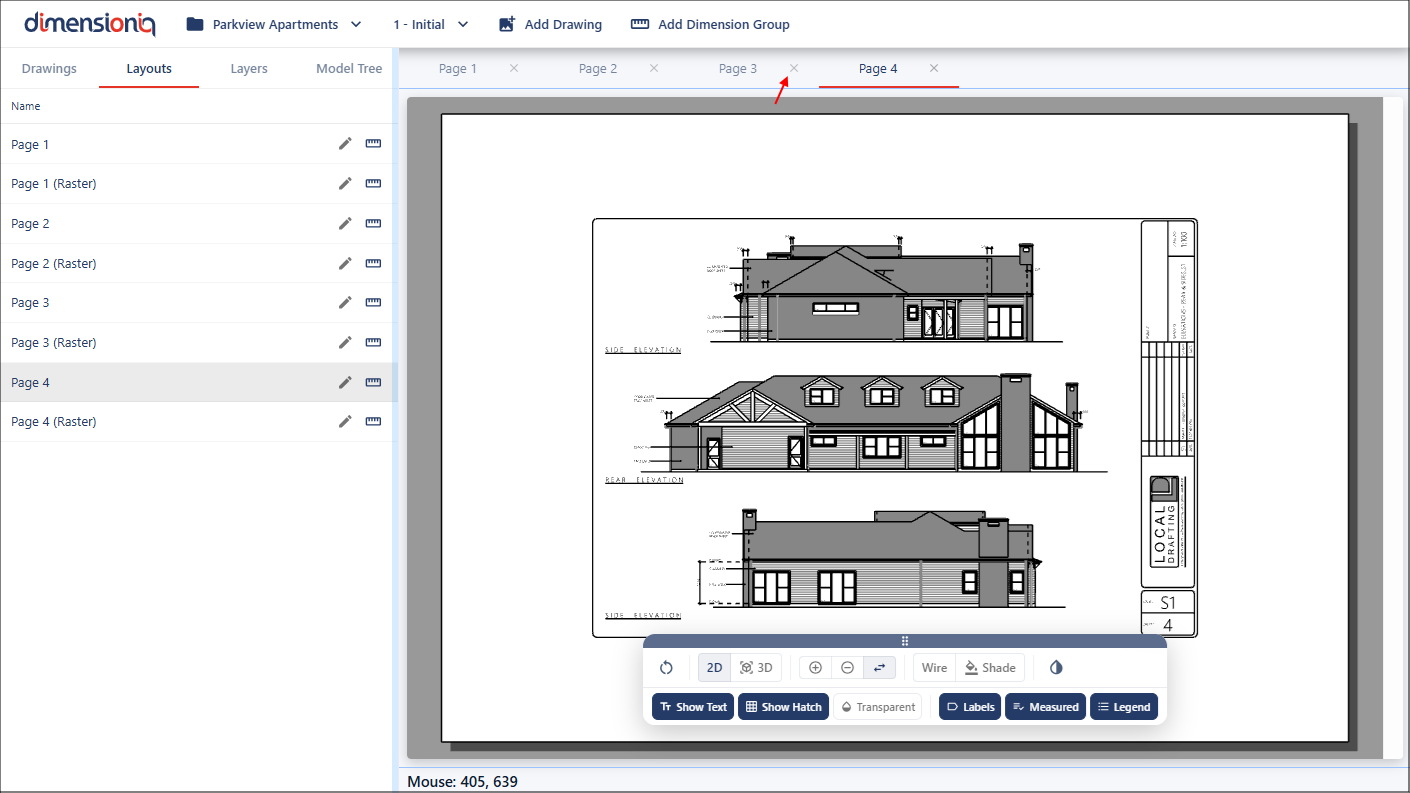
Figure 4 - Cancel button