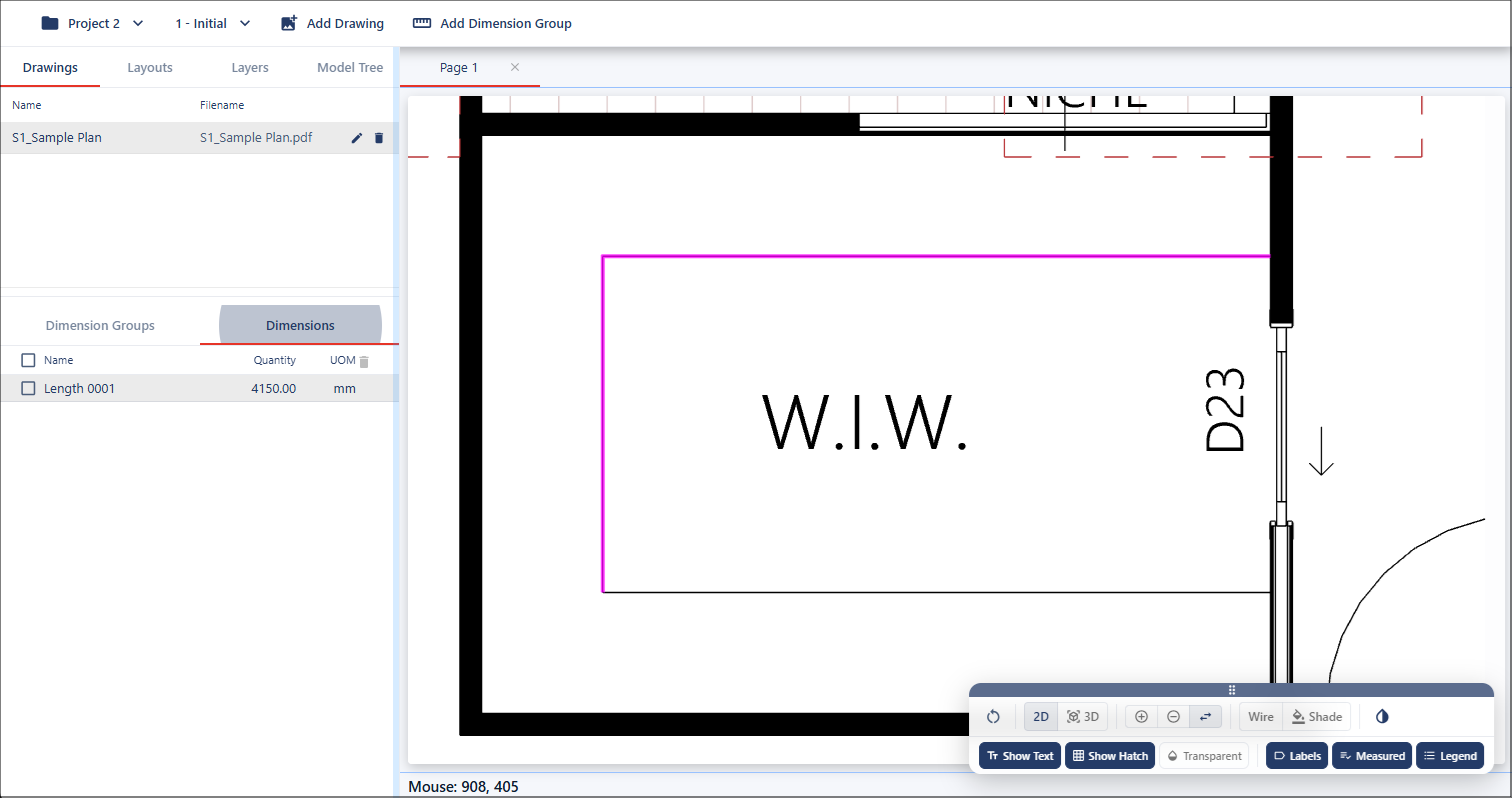
Snap to Geometry
Overview
Snap to Geometry enables rapid and accurate length measurement creation using existing drawing geometry within the active drawing. When enabled, the cursor detects available lines and segments as it moves across the drawing area, allowing measurements to align directly with the source geometry.
Visual snap indicators assist with confirming valid geometry detection before selection, helping improve measurement accuracy and reduce manual tracing. This workflow is ideal for quickly generating length measurements from drawings that contain defined geometric elements.
Use Snap to Geometry
The snap method uses existing geometry in the drawing. When the cursor snaps to a line or segment, a green indicator appears to confirm the snap.
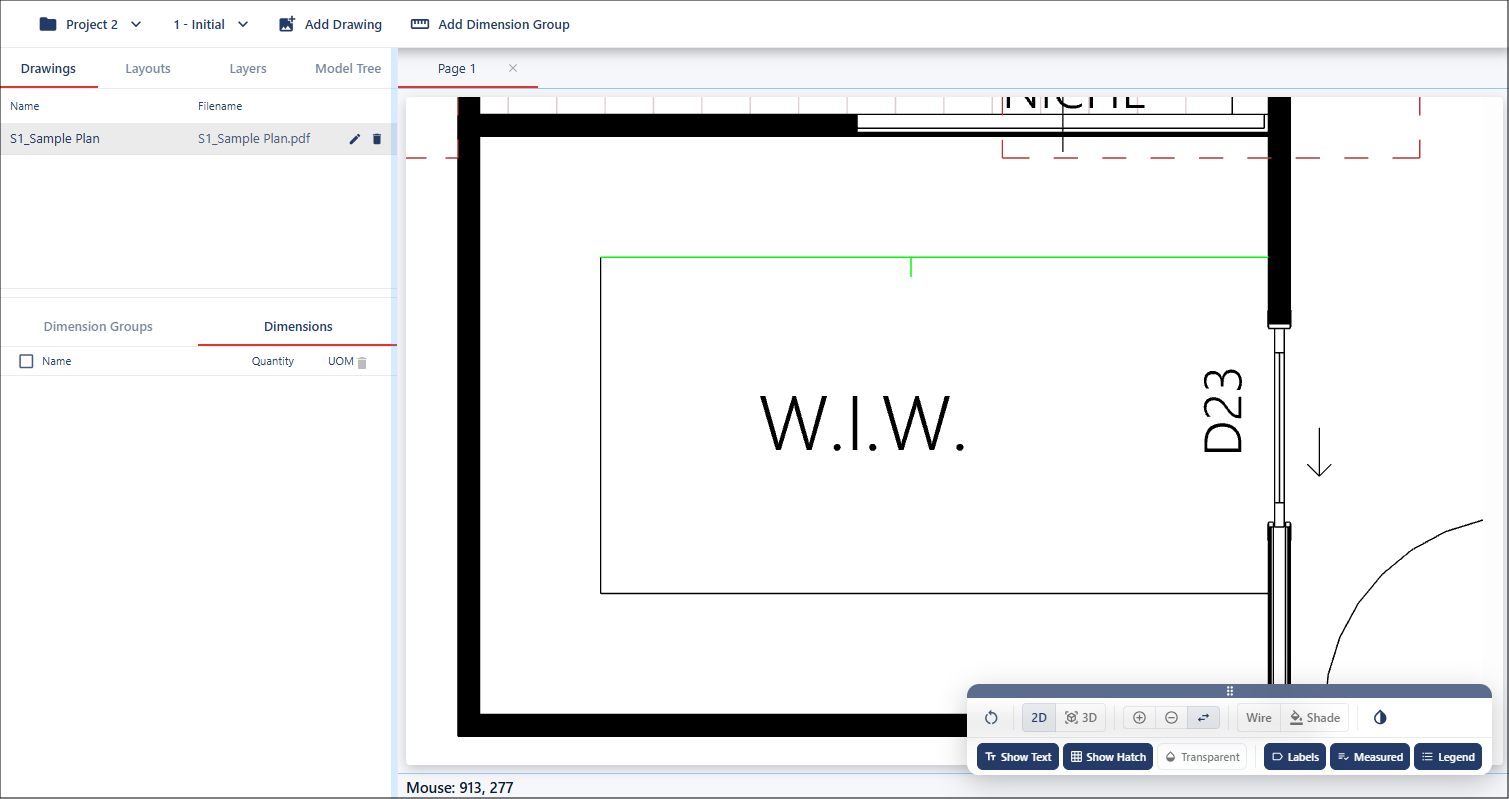
Once the snap cursor highlights a line or segment, you can left click to create a quick length measurement based on that geometry.
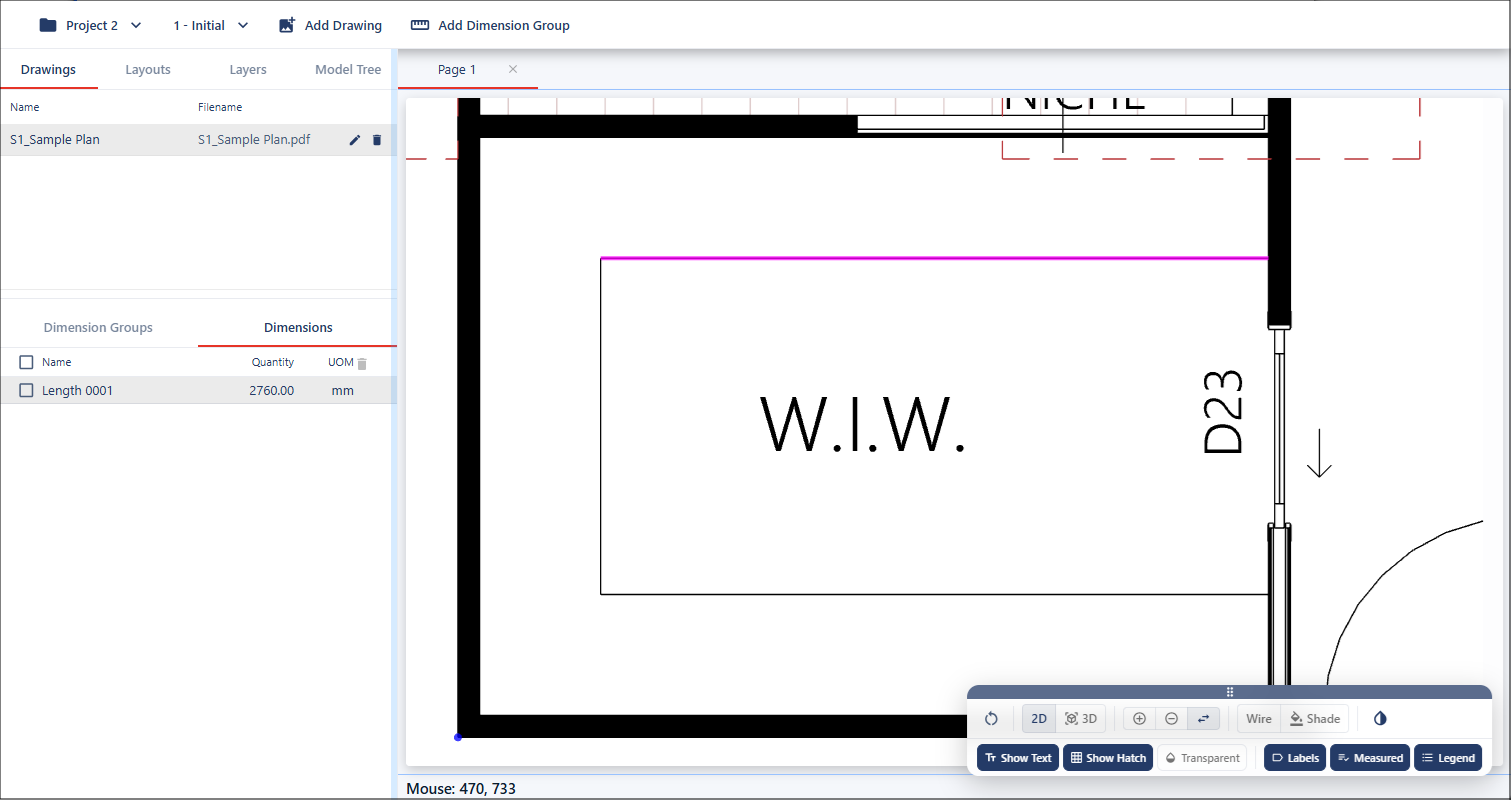
Appending Lengths
To append to an existing length, move your cursor near an end of a measurement, hold Shift, you will see the snap cursor snap to the next geometry. Left click, this allows you to append additional connected geometry from the drawing, building a continuous length measurement.